
Clip link in.
Finished clip out.
Still spending hours on your clips? LazyClipper turns Twitch and Kick clips into vertical clips automatically, with facecam, captions and zoom.
This is what editing costs you right now.
145 hours back every month. That's about 18 full workdays.
Assumption: about 1 minute of your time per clip (paste the link, pick a style). The editing runs without you, around 3 minutes on average. Your numbers may differ. From about 60 clips a month you need Starter or Premium.
Request access- 3 min to a finished clip, on average
- 13 caption styles, from classic to comic
- 1080p vertical, ready to post
- !clip one word in chat, moment saved
Facecam on top.
Screen below.
By itself.
Face tracking finds your face and builds the phone framing: you on top, below it the game, the reaction or whatever is on screen.
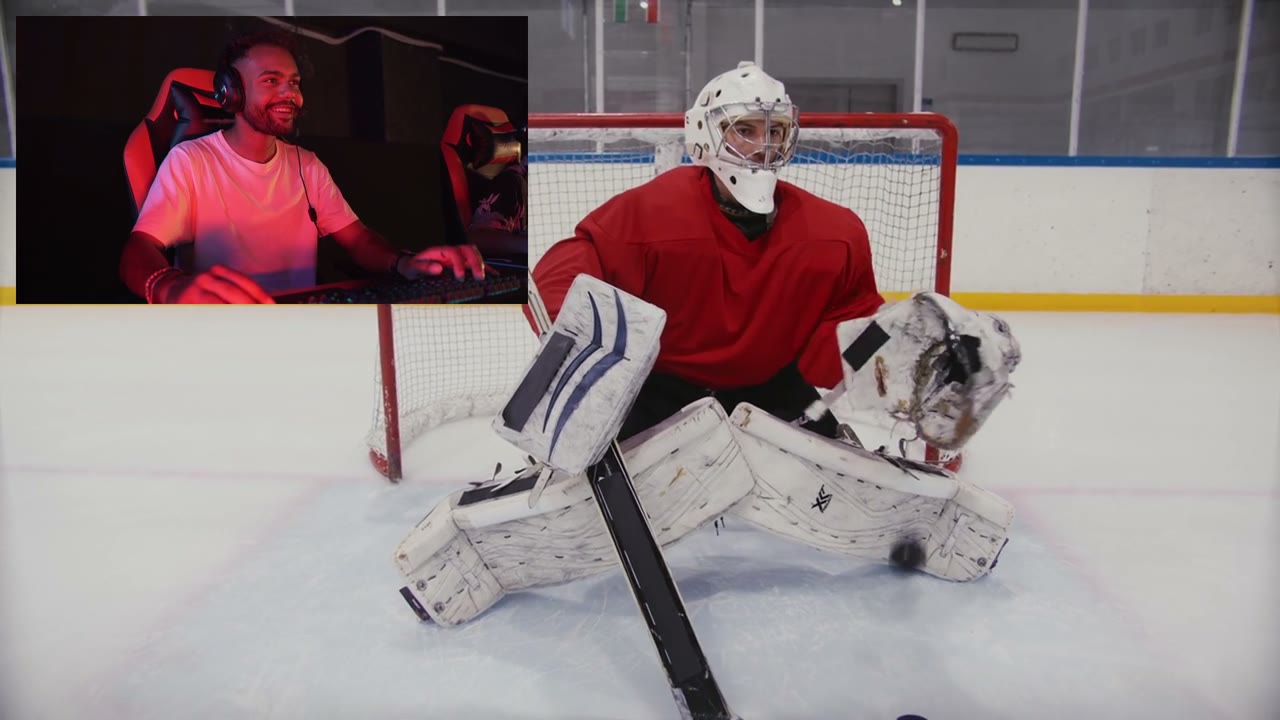
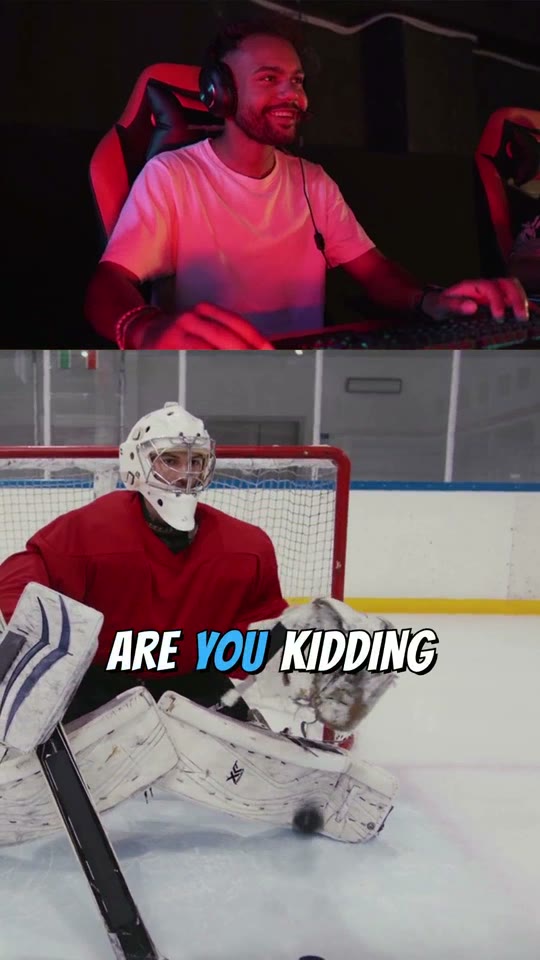
Every word
right on time.
Captions timed word by word, in 13 styles. The spoken word pops, the rest stays calm.
Your chat types
!clip.
The bot saves the moment in your stream and edits it while you keep playing. Included in the Free plan.
Three steps. The rest runs without you.
Pick length and style
Or use a saved preset and start right away.
A plan for every way you clip.
Test phase
Pricing at launch
Everything is free during the beta. We'll publish the plans at the official launch. Until then, they may still change.
Request accessQuick questions
What does LazyClipper do?
You paste a clip link, and LazyClipper turns it into a finished vertical video for TikTok, YouTube Shorts and Instagram Reels: facecam and gameplay cropped for mobile, captions, zoom on strong moments and fitting sound effects.
Do I need editing software?
No. Everything runs in your browser: paste the link, pick length and style, done. LazyClipper does the editing on our servers.
Which links work?
Twitch clips, Kick clips and Twitch and Kick VODs (even while the stream is still live). For VODs, you pick a section by timestamp or let LazyClipper search the whole VOD for good moments.
How long does a clip take?
Usually two to three minutes. You can close the page in the meantime. The finished clip lands in "My clips".

Come on in.
Lazy is already here.
In the Discord you share your clips, ask anything and tell us what is missing. Straight to Bruno, who builds LazyClipper.